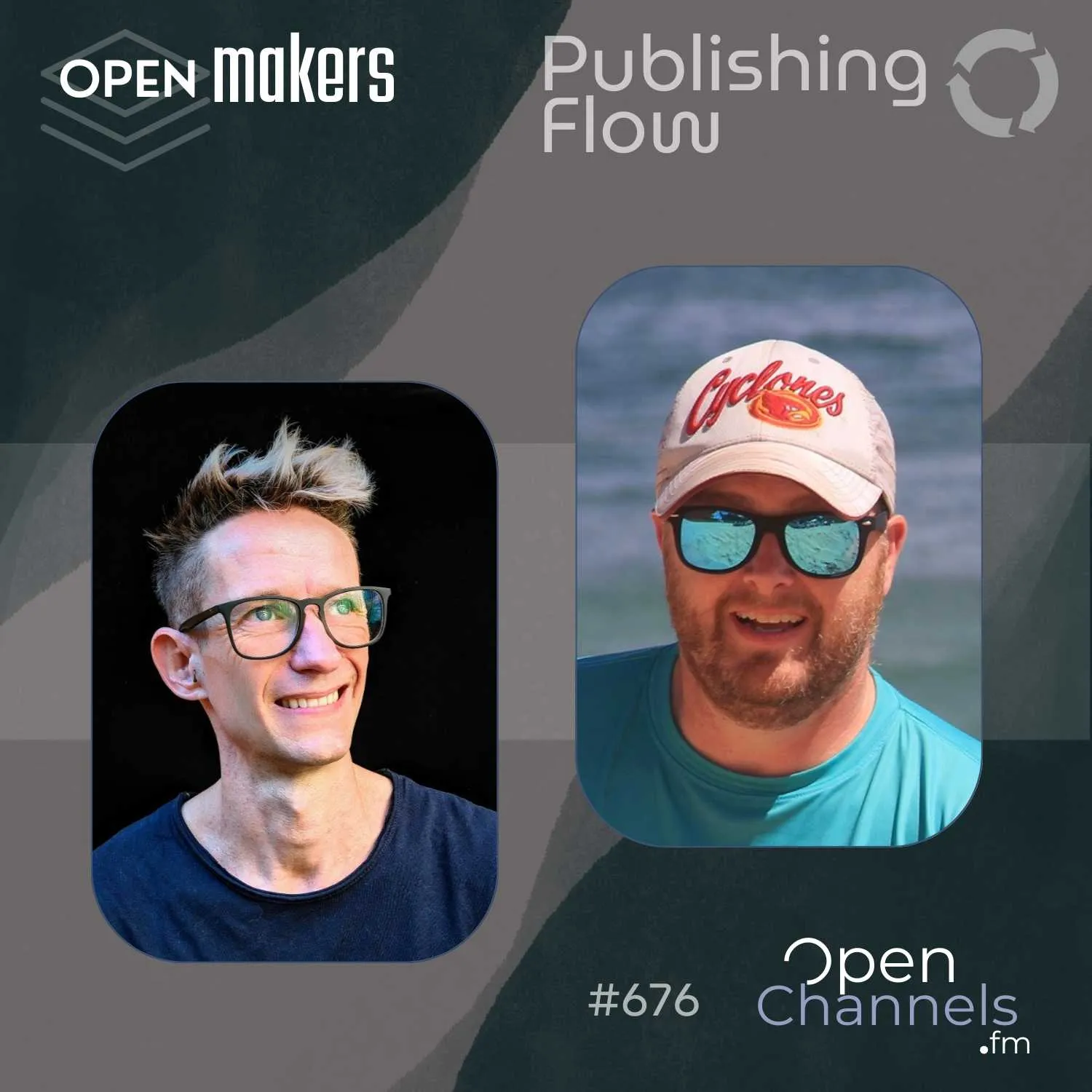
After joining Open Channels FM as a guest, I’ve stepped into the role of regular host for a new series called Publishing Flow. This show is all about the tools and workflows we use to design, build, and maintain content-driven websites, with a strong focus on WordPress.
In our debut episode, I sat down with Ash Shaw, founder of Lightspeed, a Cape Town-based WordPress agency with over two decades of experience. Ash and his team have a long history of crafting custom themes and client solutions. More recently, they’ve been investing heavily in design systems using Figma, and bringing those systems to life through WordPress block themes.
From Figma to WordPress: Bridging the Gap
Ash shared how his team uses Figma not just for visual design, but as a shared system that informs development and client communication. They’ve built out reusable design tokens and components that translate directly into the structure and styling of WordPress block themes, specifically Twenty Twenty-Five, the most result default theme. The result is greater consistency and clarity, both for developers and the clients they serve.
This isn’t just about efficient developer and client handoffs; it’s about alignment. When the design system in Figma mirrors the WordPress editing experience, clients feel more confident managing their content. They’re not guessing how the backend works; they’re editing with intent, using patterns and blocks designed by Ash and his team that match the original design language.

Clients Don’t Want “WordPress”; They Want Results
One of the standout insights from our conversation: most clients aren’t asking for WordPress. What they’re really asking for is performance, reliability, and an editing experience that fits their needs.
Ash and his team start with client content, using robust client questionnaires tailored to specific industries. This approach keeps the focus on the client goals and not the technical details. The tech stack is secondary.
Lightspeed leads with outcomes. Whether that means designing with tokens, building block variations, or customizing the block editor itself, everything is driven by client goals. WordPress is just the tool that allows them to deliver.

A Collaborative, Component-Driven Future
The rise of block themes and the site editor has created new opportunities for collaborative, component-based design. Figma and WordPress can speak the same language, especially when designers and developers work from the same system of components, colors, and spacing. This reduces friction across teams and leads to stronger, more cohesive projects.
If you’ve been exploring Figma systems, block theme workflows, or new ways to improve content editing for clients, I want to hear from you. How are you integrating design and development? What have you learned from working with WordPress in this new era of site building?
Leave a comment below and share your thoughts. Better yet, get involved. This show is part of an open source effort to push the future of publishing forward, and your ideas could help shape what comes next. A great place to start is joining the conversation for the WordPress 6.9 roadmap.
Let’s keep building. Let’s keep improving the flow.
P.S. Are you interested in content management, publishing or project workflows, or content creation? Hit me up! You might be invited to join a future episode.
Leave a Reply